This document is an extended thesis-style breakdown of the 'Dragon Showdown' FX
shot. It aims to serve as a comprehensive guide to the thought process, technical
approach, and creative challenges encountered during production. The project
leverages Unreal Engine for environment creation and lighting, while Houdini was
used to develop all FX simulations, procedural fire setups, RBDs, and volumetric
effects. Custom Python tools were crafted to streamline asset import, material
reconstruction, and large-scale scene management. The final composition integrates
all passes into a polished cinematic output.
1. Concept and Narrative
The genesis of Dragon Showdown was inspired by the idea of merging real-time technology with traditional VFX workflows. I wanted to push the boundaries by using Unreal Engine as both an environment-building tool and a lighting reference platform, while relying on Houdini's powerful simulation tools to bring the FX elements to life.
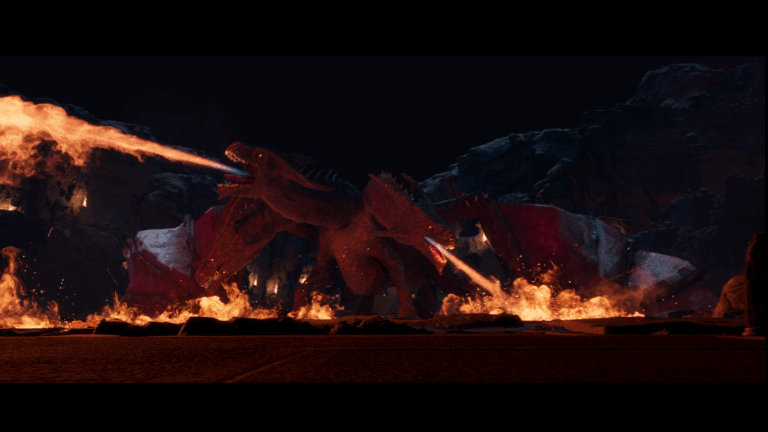
The narrative revolves around a mighty dragon descending from the sky into a war-torn medieval battlefield. As the dragon lands, its impact triggers dust and debris, while its fiery breath ignites the landscape. The scene had to reflect chaos, scale, and cinematic beauty, which required careful coordination between the environment, lighting, and all FX passes.
2. Unreal Engine Environment
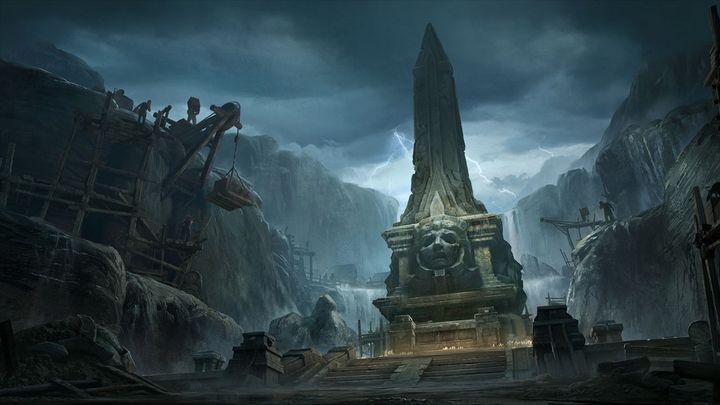
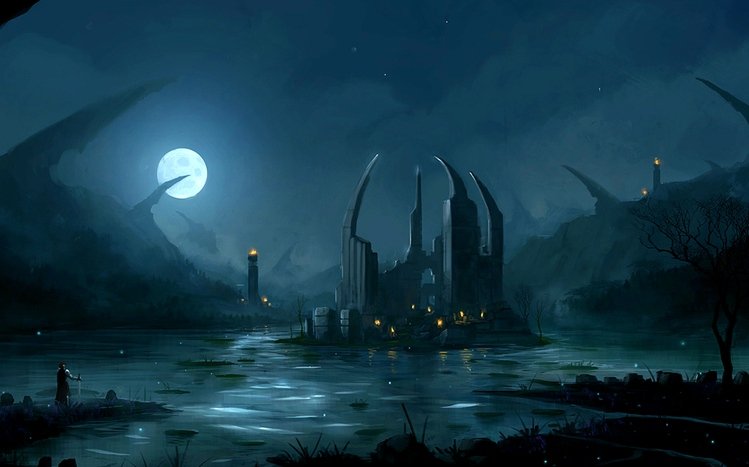
The base environment was built in Unreal Engine 5 using Quixel Megascan assets. The terrain and props were carefully chosen to match the tone of a dark fantasy battlefield. Lighting was one of the key focuses of this phase. With the mentorship of Raoni Nery (CG Supervisor, Cinesite), I experimented with various lighting setups, balancing volumetric fog, HDRIs, and directional lighting to achieve a filmic mood. Once the Unreal environment was locked, multiple render passes (diffuse, lighting, depth, and fog) were exported to serve as the foundation for integrating Houdini FX simulations.
3. Python Tools and Asset Integration
Asset transfer between Unreal Engine and Houdini presented a series of challenges. The exported assets often lacked proper texture references and required time-consuming manual adjustments. To solve this, I developed two custom Python tools:
i. unreal_to_houdini_organizer.py:
- Automatically detects Unreal-exported assets and maps them to their corresponding texture sets.
- Rebuilds material networks in Houdini using the Principled Shader.
- Creates organized subnetworks for each asset, complete with Albedo, Roughness, Normal, and
Displacement textures.
- Simplifies the process of merging multiple assets into the geometry level.
- Reads user-selected nodes, creates object_merge nodes, and assembles a master merge node
automatically.
- Particularly useful for large-scale scenes with multiple fire torches and props.
Together, these tools saved countless hours and minimized human error, forming a reliable bridge
between Unreal and Houdini.
4. Detailed FX Passes
The FX passes form the heart of this shot. Each pass was built with a specific narrative goal in mind,
and each presented unique technical challenges. Below is a detailed explanation of every FX
element:
4.1 Torch Light:
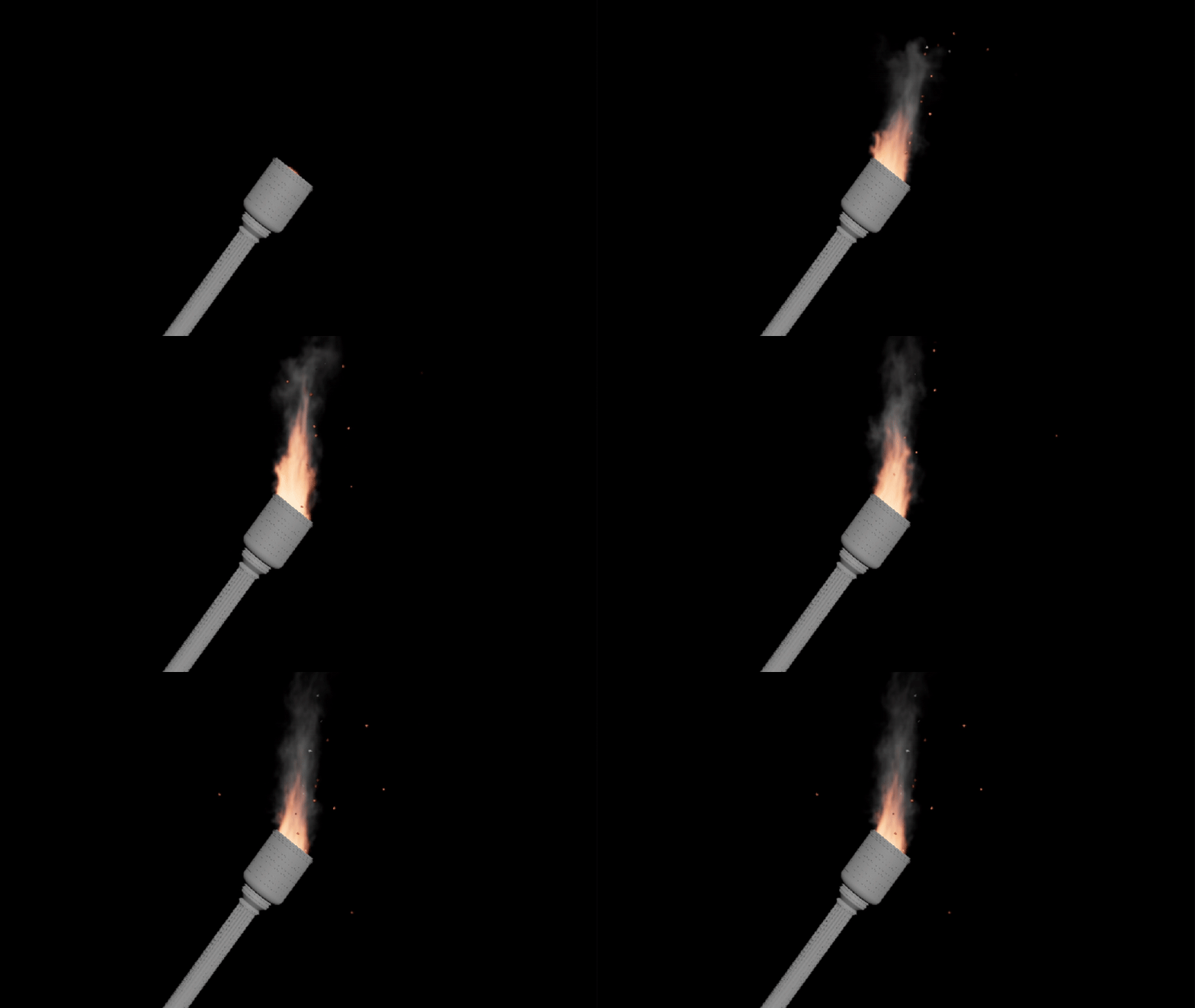
Twenty torches line the battlefield, casting warm light and flickering shadows. To manage these
efficiently, I created a reusable Pyro Solver setup optimized for torch-scale flames. The torch setups
were automatically instanced into the scene using the importer Python tool. Random seeds were
used for turbulence, fuel, and temperature values, giving each torch a unique flicker pattern.
4.2 Pot Fire:
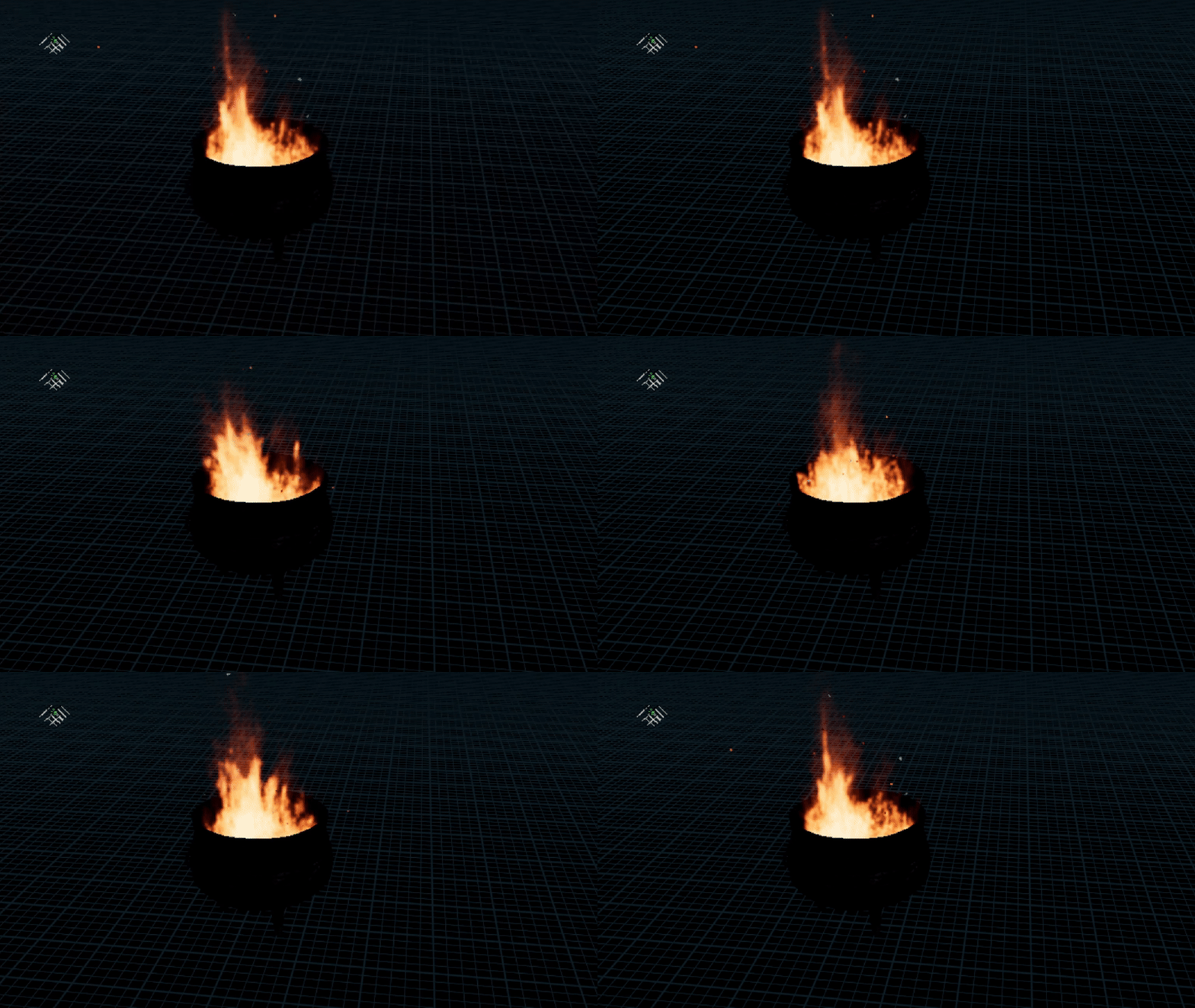
Pot fires served as mid-ground elements, adding layers of depth and heat to the scene. Unlike
torches, these fires were built with slower burn rates and denser fuel fields, resulting in a heavier,
more dramatic flame.
4.3 RBD Simulation - Dragon Landing:
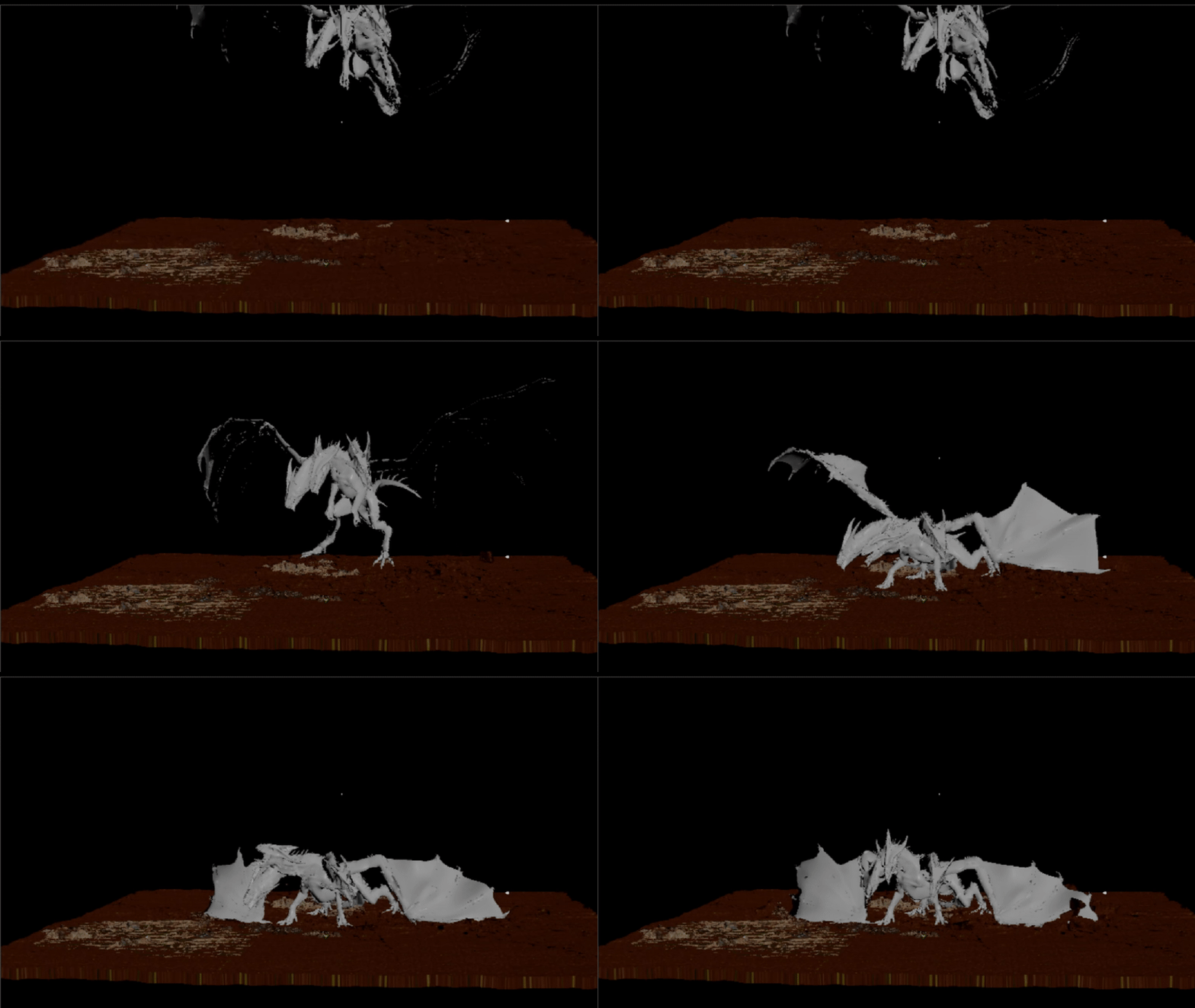
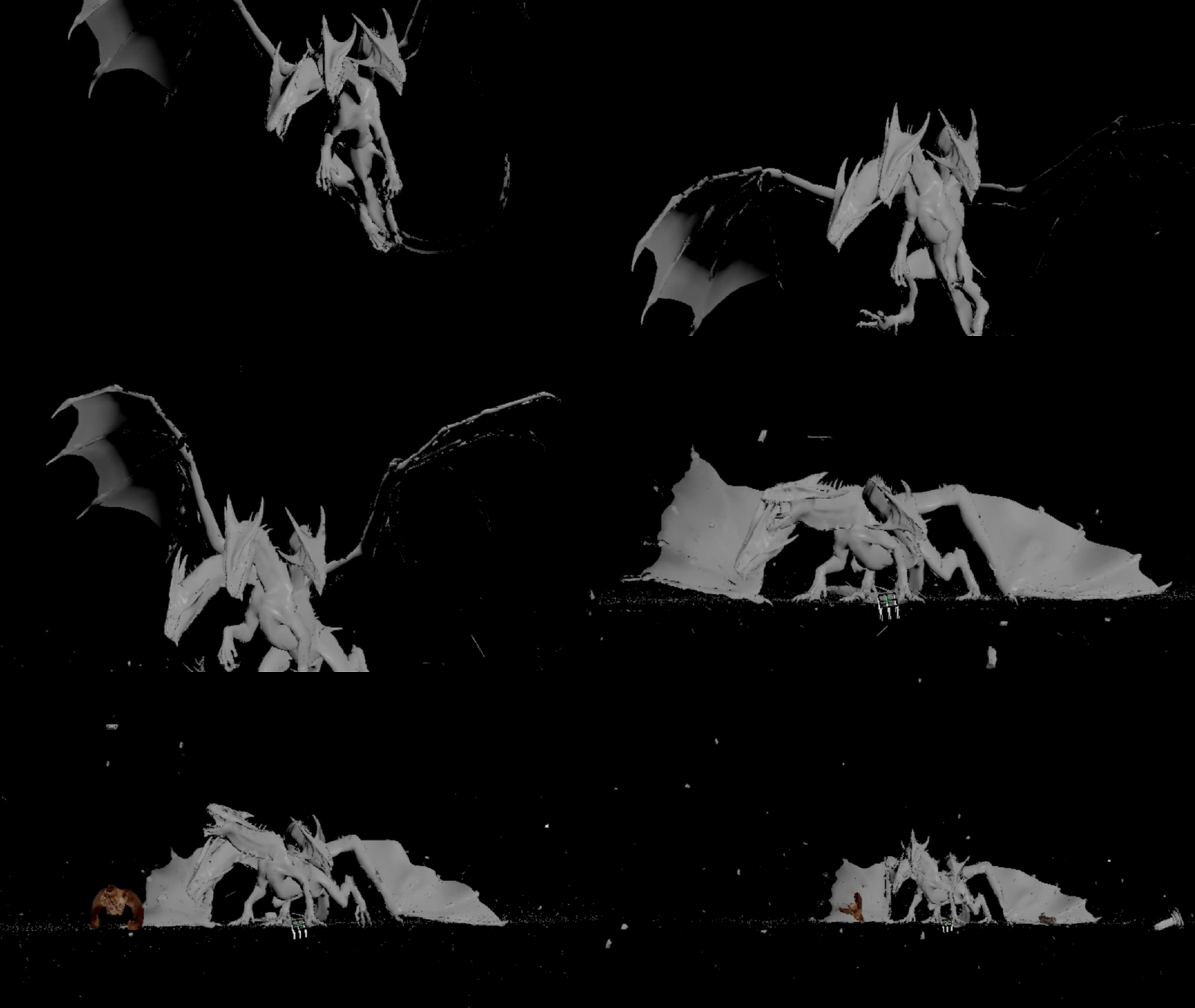
The dragon's landing created significant ground impact. Using RBD Solver, the ground was
fractured and debris was simulated to scatter outward. This RBD pass added a strong sense of
weight and realism.
4.4 Smoke and Shockwave:
Smoke passes were crucial in selling the scale of the dragon's landing. I created three passes:
- Shockwave pass: A quick, expanding burst of dust.
- Compensation smoke: Low-level smoke to fill negative spaces.
- Interaction smoke: A thicker, slower smoke that interacts with the ground and dragon mesh.
4.5 Dragon Breath Fire:
The dragon's fire-breath was one of the most complex elements. A modular simulation rig was
built, allowing me to iterate on flame length, divergence, and shading without re-simulating
everything from scratch. Each burst of fire (four in total) was simulated individually and layered
together in compositing.
4.6 Interaction Fire:
Secondary fire simulations were generated where the dragon's fire hit the ground and other props.
This interaction ensured visual continuity between the dragon breath and the environment.
4.7 Fog Passes:
Atmospheric depth was enhanced with separate BG, MG, and FG fog passes rendered in Karma.
These fog layers were vital for depth grading in Nuke.
5. Rendering and Compositing
Rendering was distributed between Karma and Mantra. While Karma efficiently handled volumetric
fire and smoke, Mantra was chosen for mesh lights due to stability issues in Karma's beta release.
All FX elements were rendered as EXR sequences with AOVs such as Fire, Smoke, and Z-Depth for
compositing flexibility.
Compositing was performed in Nuke, where each pass was layered, color-corrected, and integrated
with the Unreal environment plate. Additional post-processing, such as lens flares, heat distortion,
and subtle camera shake, helped elevate the cinematic feel. Finally, DaVinci Resolve was used for
color grading to achieve a polished, film-like aesthetic.
6. Conclusion
The 'Dragon Showdown' shot is the culmination of combining real-time and procedural workflows.
Unreal Engine served as a robust foundation for lighting and environment creation, while Houdini's
flexible FX pipeline enabled the detailed simulations needed for a high-quality result. Through
custom Python tools, I streamlined the process and created a scalable workflow that can be applied
to future projects.
The project also reinforced the importance of iterative design. Each FX pass went through multiple
refinements, and collaboration with industry experts (like Raoni Nery) significantly improved the final
quality. This documentation stands not just as a technical record but also as a creative journey in
modern FX shot design.